Google released Gemini 4 Hydrogen on 12 November 2026. It’s the fast, lower-cost model in the Gemini 4 family, aimed at everyday coding and agent work, and you can use it for free within limits. This guide walks you through getting an API key, making your first call from Python, JavaScript or curl, turning thinking up or down, and fixing the errors people hit most.
Details are from Google’s own announcement and the Gemini API docs, as of 14 November 2026.
What Gemini 4 Hydrogen is
- Model ID:
gemini-4-hydrogen. This is a stable ID, so you don’t need a date suffix. - Context window: 1,048,576 tokens (about 1M). Your input, the model’s thinking and its answer all share this one window.
- Output: up to 65,536 tokens per normal call. Longer outputs need background mode.
- Inputs: text, images, video, audio and PDF. It answers in text only.
- Knowledge cutoff: March 2026, according to Google DeepMind’s model card.
Google’s developer docs list these Standard-tier prices:
| Tier | Input, per 1M tokens | Output, per 1M tokens (includes thinking) |
|---|---|---|
| Free tier | Free, rate-limited | Free, rate-limited |
| Standard (paid) | $1.50 | $7.50 |
| Batch or Flex | $0.75 | $3.75 |
The price is flat across the full 1M context window, so long prompts don’t cost more per token. One catch: on the free tier, Google may use your prompts to improve its products. On paid use, it doesn’t.
Outside the API, Hydrogen is in the Gemini app’s model menu and in Google AI Studio.
What you need
- A Google account.
- A current version of Python or Node.js if you want to use the SDKs. Plain curl also works.
- A terminal.
Step 1: Create an API key
- Open the API Keys page in Google AI Studio: aistudio.google.com/api-keys.
- Click Create API key and follow the dialog. New users get a project and key set up automatically.
- Copy the key.
Since 28 May 2026, every new key made in AI Studio is an authorization key. Google limits these keys to the Gemini API by default. If you have an older “Standard” key marked Unrestricted, the Gemini API now rejects it. To keep using it, hover over the Unrestricted label, click Add restrictions, choose Restrict to Gemini API only, then click Restrict key. Or simply create a new key.
Step 2: Save the key as an environment variable
The official SDKs read the key from GEMINI_API_KEY (or GOOGLE_API_KEY, which wins if both are set). On macOS or Linux:
export GEMINI_API_KEY="YOUR_API_KEY"On Windows PowerShell:
$env:GEMINI_API_KEY = "YOUR_API_KEY"Never paste the key into code you commit to Git. If a key leaks, Google may block it, and you’ll see “Your API key was reported as leaked.”
Step 3: Install the SDK
Python:
pip install -U google-genaiJavaScript:
npm install @google/genaiStep 4: Make your first call
Google’s quickstart uses the Interactions API. Here are the official examples, with the model set to Hydrogen.
Python (save as hello.py, then run python hello.py):
from google import genai

client = genai.Client()

interaction = client.interactions.create(
    model="gemini-4-hydrogen",
    input="Explain how AI works in a few words"
)
print(interaction.output_text)
JavaScript (save as hello.mjs, then run node hello.mjs):
import { GoogleGenAI } from "@google/genai";

const ai = new GoogleGenAI({});

const interaction = await ai.interactions.create({
  model: "gemini-4-hydrogen",
  input: "Explain how AI works in a few words",
});
console.log(interaction.output_text);
curl:
curl -X POST "https://generativelanguage.googleapis.com/v1beta/interactions" \
  -H "x-goog-api-key: $GEMINI_API_KEY" \
  -H 'Content-Type: application/json' \
  -H "Api-Revision: 2026-05-20" \
  -d '{
    "model": "gemini-4-hydrogen",
    "input": "Explain how AI works in a few words"
  }'
Expected output: a short sentence or two about how AI learns patterns from data. The wording changes every time. If you get an answer back, your key and setup are working.
Step 5: Control how hard it thinks
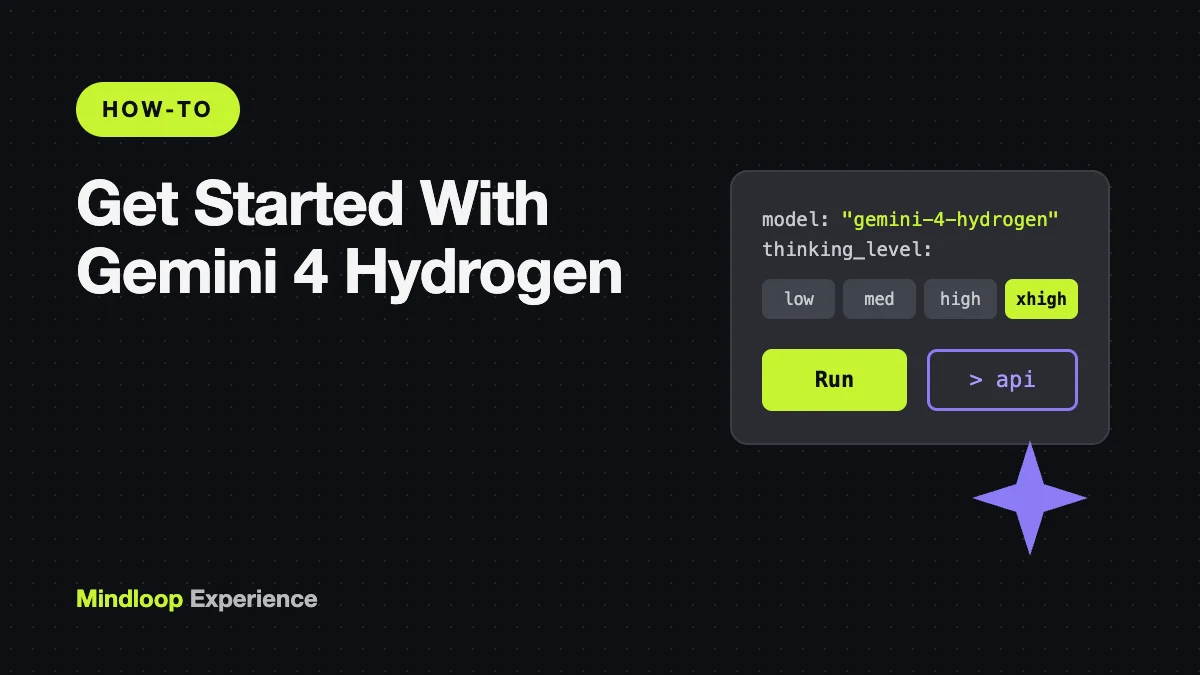
Hydrogen “thinks” before it answers. You set how much with thinking_level inside generation_config. There are four levels:
| Level | Use it for |
|---|---|
low | Quick, simple tasks where speed and cost matter most |
medium | A middle setting |
high | The default on Hydrogen |
xhigh | Hard debugging, careful code review, multi-step reasoning |
Python example, asking for the deepest thinking:
from google import genai

client = genai.Client()

interaction = client.interactions.create(
    model="gemini-4-hydrogen",
    input="Audit this payment retry queue for race conditions and rewrite the lock acquisition logic.",
    generation_config={
        "thinking_level": "xhigh"
    }
)
print(interaction.output_text)
In JavaScript, it’s the same idea: generation_config: { thinking_level: "xhigh" }.
Thinking tokens are billed as output tokens. You can check how many a call used with interaction.usage.total_thought_tokens. For high-volume, simple jobs, switching to low is the easiest way to cut cost and wait time.
Want to see its reasoning? Thought summaries are off by default. Add "thinking_summaries": "auto" to generation_config. The response then contains thought steps with a summary, followed by a model_output step with the answer. Google’s thinking guide has the full loop for reading them.
Step 6: Switching from Gemini 3.8 Flash or older models
If you already have code running on an older model, Google’s migration notes list the changes to make:
- Change the model string, for example from
gemini-3.8-flashtogemini-4-hydrogen. - Remove
temperature,top_pandtop_k. Google’s docs say values in range are ignored, and out-of-range values return a 400 error. - Raise or remove low
max_output_tokenscaps. The limit now covers thinking plus the answer, up to 65,536. - Remove explicit caching (
cached_content,caches.create). Hydrogen supports only automatic (implicit) caching, which applies to prompts of 4,096 tokens or more. - Expect the default
thinking_levelto behighrather thanmedium, and don’t useminimal. - Declare tools properly in the request instead of asking the model to write tool calls as plain text.
Common errors and fixes
An error when you use minimal. Hydrogen doesn’t accept thinking_level: "minimal". Use low instead.
400 error from temperature or top_p. Delete those parameters. Hydrogen controls sampling itself.
401 authentication, or the key is rejected. Check that GEMINI_API_KEY is set in the same terminal you run the script in (echo $GEMINI_API_KEY on macOS or Linux). If it’s an old unrestricted key, restrict it to the Gemini API or make a new one (Step 1).
403 permission_denied / FREE_TIER_VERIFICATION_REQUIRED. Your project needs verification or billing set up in AI Studio before it can make calls. Retrying won’t help until that’s done.
404 model_not_found. Check the spelling: gemini-4-hydrogen, all lowercase, with hyphens.
429 rate_limit_exceeded or quota_exceeded. You’ve hit the free-tier limits. Wait and retry with backoff, or turn on billing. The Python SDK already retries rate-limit and server errors a few times on its own.
MALFORMED_FUNCTION_CALL. You asked the model to output tool calls as text without declaring any tools. Declare your functions as tools in the request.
Answer cut off mid-sentence. Your max_output_tokens is too low, because thinking uses part of the budget. Raise it, or lower thinking_level.
Wrap-up
To start with Gemini 4 Hydrogen: make a key in AI Studio, export it as GEMINI_API_KEY, install google-genai or @google/genai, and call interactions.create with model="gemini-4-hydrogen". Then tune thinking_level to balance quality against speed and cost. If you’re building agents, the same habits apply across tools. Our guides to Claude Code agent skills and Chrome DevTools MCP show how to give a coding agent more abilities. To compare with Anthropic’s latest model, see Claude Fable 5.2 explained.

Write a response